
How to Trigger Signal Skills in DragonSword Awakening
Treat every handoff as an exact condition check, not a fixed timer or a generic character swap.
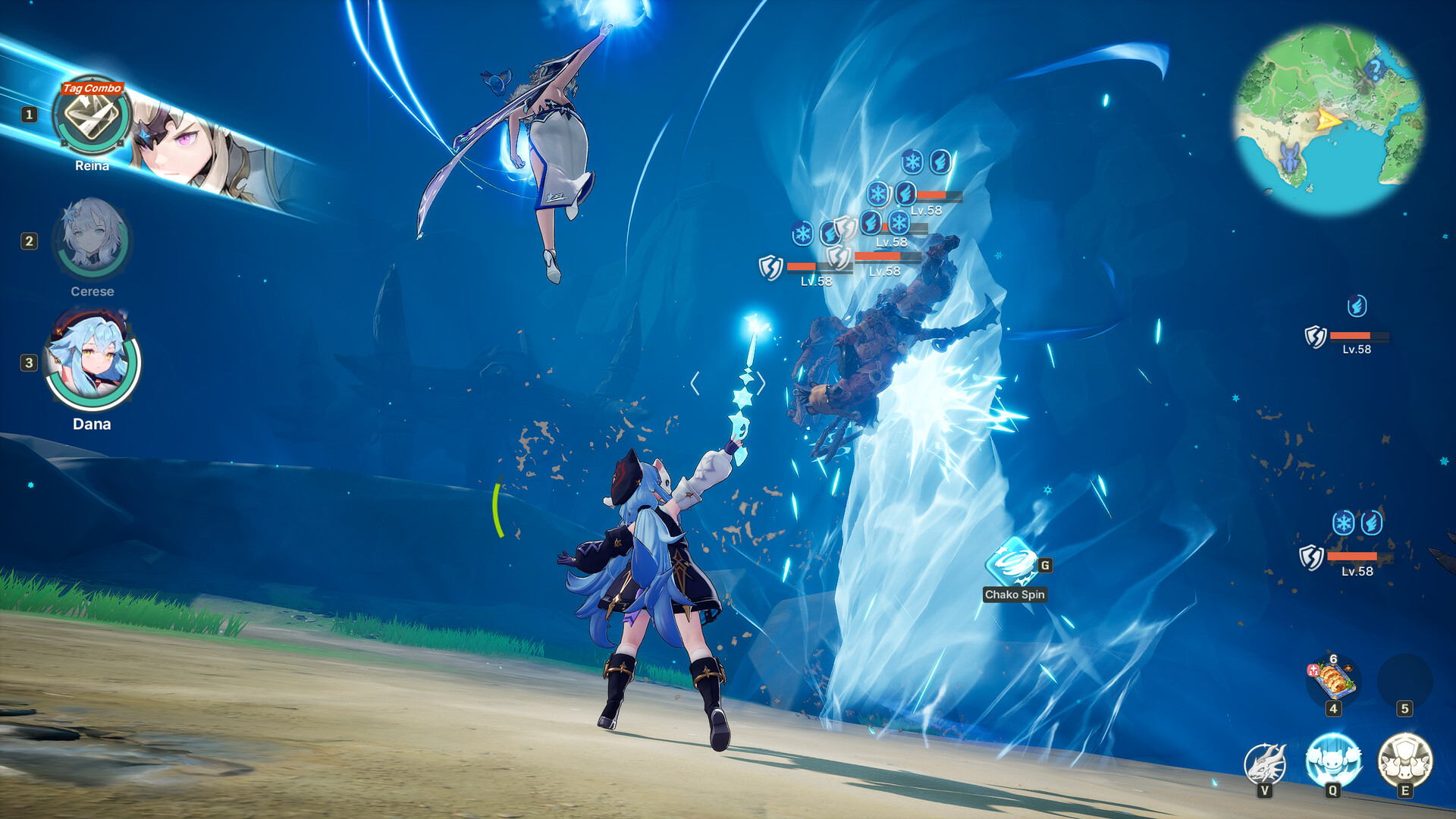
1. Start with the receiving Signal Skill
Read the Signal Skill first and note the status or combat condition it requires. This gives you a concrete setup target before you spend an Active Skill.
2. Apply the required Status Ailment
Use a Hero whose Active Skill names that condition. A different status may still be useful, but it will not satisfy a Signal that asks for something else.
3. Check additional conditions
A matching status may be only part of the requirement. Check the current skill text, the target’s Super Armor or Break state, and whether the intended Signal is available before expecting a prompt.
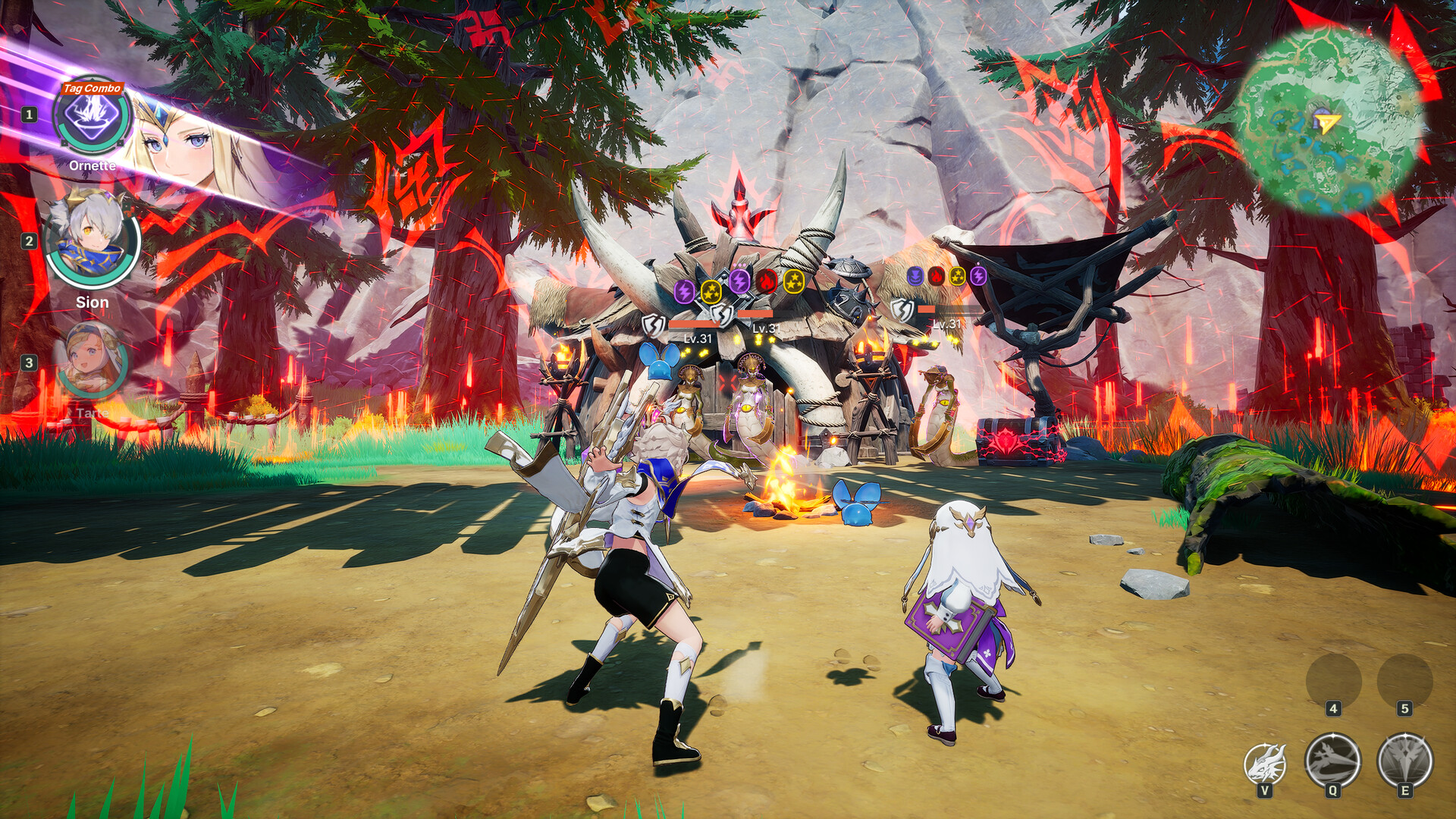
4. Activate the prompt or switch
When the matching Signal window appears, activate it or bring in the Hero who can continue the chain. If no prompt appears, return to the exact trigger description instead of repeating the same swap.
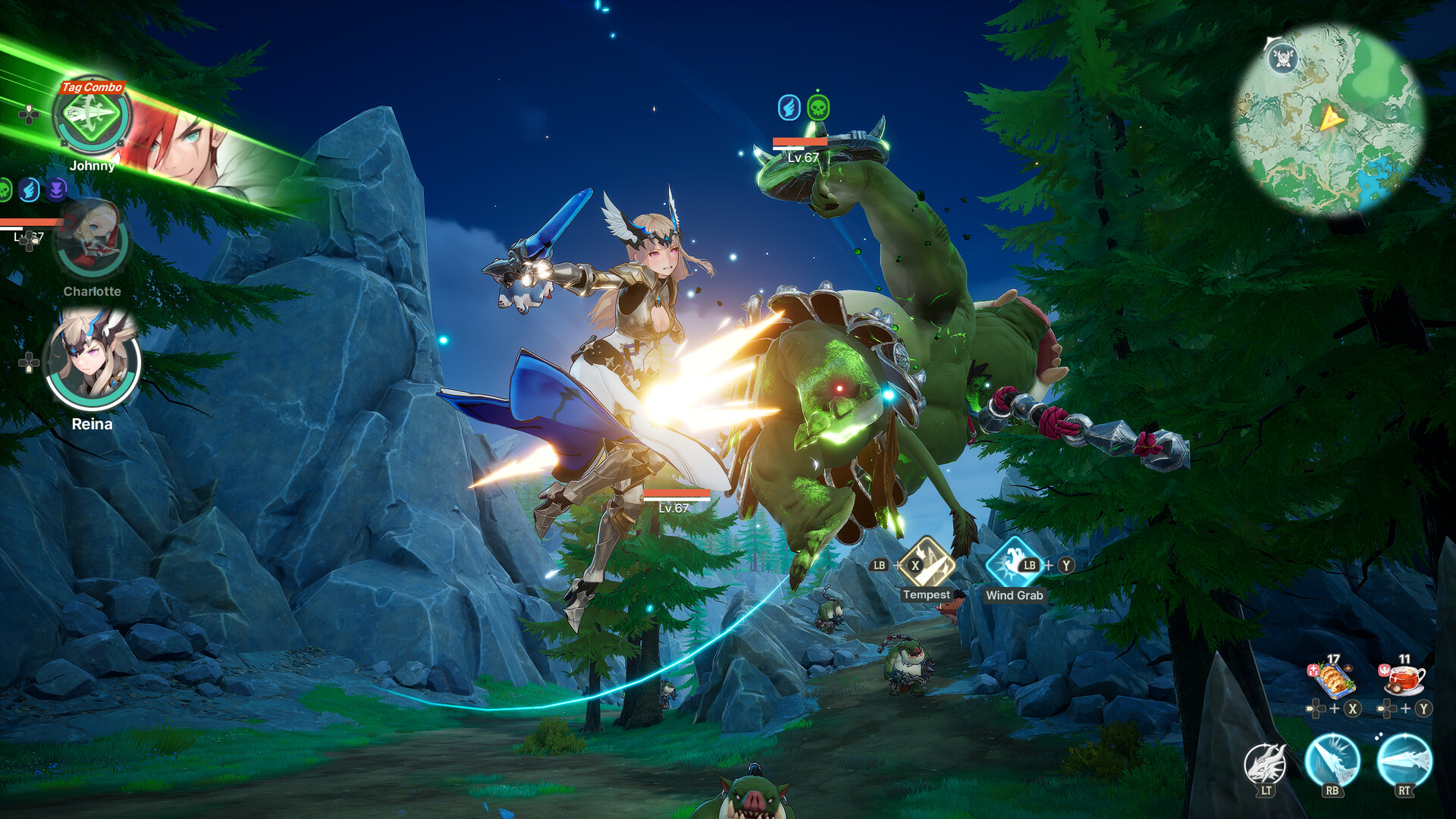
Field guide · Status response
What every status effect changes
Status effects are not interchangeable prompts. The useful question is not “which effect is best?” but “does the next Hero’s Signal Skill name the condition this team creates?”
Troubleshooting flow
If a Signal Skill Is Not Triggering
Control condition
Stun
Check whether the next Hero’s Signal Skill explicitly names Stun as its trigger.
Control condition
Airborne
Treat Airborne as a distinct trigger; a Signal that asks for another condition will not answer it.
Control condition
Knockdown
Match the grounded condition to the exact wording on the receiving Hero’s Signal Skill.
Status condition
Fire
Use the current in-game skill text to confirm both the Fire applicator and the Signal that can answer it.
Status condition
Shock
A Shock plan still needs a receiving Signal whose listed activation condition matches Shock.
Status condition
Ice
Check the current English label in your build before assuming Ice, Chill, or Frost wording is interchangeable.
Status condition
Poison
Confirm that Poison is actually applied before expecting a Poison-triggered Signal prompt.
Status condition
Bleed
Read both sides of the handoff: the skill that applies Bleed and the Signal that requires it.
Practice without wasting materials
Test one condition before building a whole team
- Choose one status effect and read the skill text on all three Heroes.
- Identify who applies the condition and whose Signal text requires it.
- Check any additional condition before expecting the prompt.
- Activate or switch when the matching Signal window appears, then repeat.
Applied in 1.0.11: Just Dodge and Lock-On
The final official 1.0.11 notes add Just Dodge when a Dodge perfectly evades an enemy attack. A successful Just Dodge grants 1 second of invincibility, 3 seconds of guaranteed critical hits, recovers 10% of the Active Skill Rage gauge, and restores half of the Dodge Stamina cost.
The same applied notes improve Lock-On controls, target retention, target search and camera movement. Target search now considers angle and range, while Sudden Mission, World Boss, Hunt and Raid monsters keep Lock-On at greater distances than before. They also confirm that the Hero left on the field after switching keeps unbroken Super Armor for 1 second.
Why team order matters
A useful team has readable handoffs: one Hero creates a condition, the next Hero owns a matching Signal, and the third can continue from the state that follows.
Setup, connector, payoff
This is planning language, not an official class system. Use it to check whether each team slot can create or answer a condition without presenting one rotation as a universal meta.